Order by voice note on WhatsApp: how not to lose a single order
By Bakerly Team · Published on August 31, 2026
"Hi hon, I'd like to order a cake…" — and then comes a two-minute voice note with flavor, filling, date, number of slices and an "oh, and dairy-free." Your hands are in the dough, you listen in a hurry, jot down what you can, and promise to get back to it later. Then the day swallows you up, you forget a detail, and at delivery comes the surprise: "but I asked for dairy-free".
Voice notes are great for the customer and treacherous for you: they hold the whole order, but they force you to stop everything to listen and transcribe. In this post you'll see how to turn a voice note into a recorded order, without losing a detail or your time.
Why voice-note orders slip through
- You can't just glance at it: to know what's in the voice note, you have to listen to all of it — again, if you forget an item.
- It arrives at the worst time: almost always mid-production, when you can't stop to write it down properly.
- It stays loose in the chat: three days later, finding that voice note among dozens of messages is a treasure hunt.
- It vanishes with the history: if the customer deletes the conversation or switches phones, the agreement is gone.
The root of the problem
The voice note isn't the villain — it's the order being left loose. As long as the order lives inside the conversation, and not in an organized place, every voice note is a chance to forget something.
What to do with an order that arrives as a voice note
1. Transcribe it instead of just listening
Reading is faster than listening, and you can reread the item you weren't sure about. Turning the voice note into text already solves half the problem: you see the whole order at once, no rewinding.
2. Get the order out of the chat right away
As soon as you understand the voice note, record the order in a fixed place — customer, items, flavor, restrictions (like "dairy-free"), date and price. Out of the conversation, the order can't disappear anymore.
3. Confirm with the customer in writing
Send back a summary of what you understood: "confirming: dairy-free chocolate cake, 30 slices, for the 20th." This avoids the mix-up at delivery and shows professionalism.
How Bakerly helps
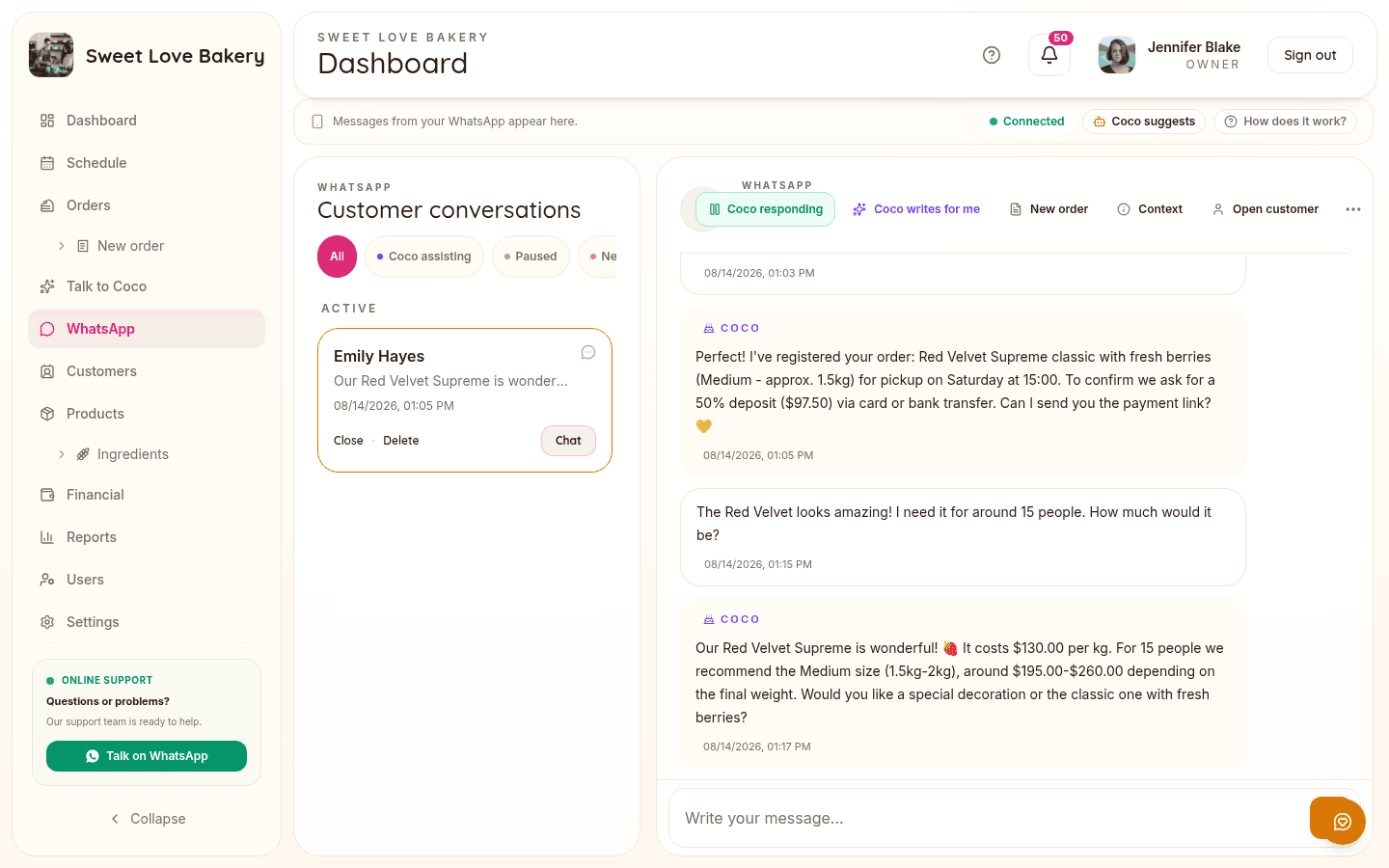
In Bakerly, the customer's voice note doesn't become a headache: the AI transcribes the voice note and helps build the order in the dashboard — with customer, items and details — for you to just check and confirm. Reference photos are read by the AI too.
The order leaves the conversation and starts living in an organized place, with the customer's history and a status. If you want, the AI can even answer WhatsApp for you and get this work started ahead of time.
What to take home
- A voice note holds the whole order, but it forces you to stop everything to listen — and it's easy to forget a detail.
- Transcribe instead of just listening: reading is faster and you can double-check.
- Get the order out of the conversation and record it in a fixed place, with the customer's restrictions.
- Confirm in writing what you understood so there are no surprises at delivery.
Stop doing math in a notebook
Bakerly organizes your bakery's orders, pricing, schedule, and finances all in one place. Create your account and get started today, starting at $9.99/month, no commitment.
Create my accountWant to check it out first? See how the system works.